1. Introduction
This section introduces the CSG Customer Portal, its intended users, supported access environment, and the scope of the customer user manual.
1.1 Purpose
This document provides step-by-step instructions for customers using the CSG Customer Portal.
The manual explains how to access the portal, navigate the dashboard, manage users, manage products, create inbound and outbound orders, check inventory, view return orders, and download reports.
It is designed to help customers complete daily 3PL operations accurately and efficiently through the CSG system.
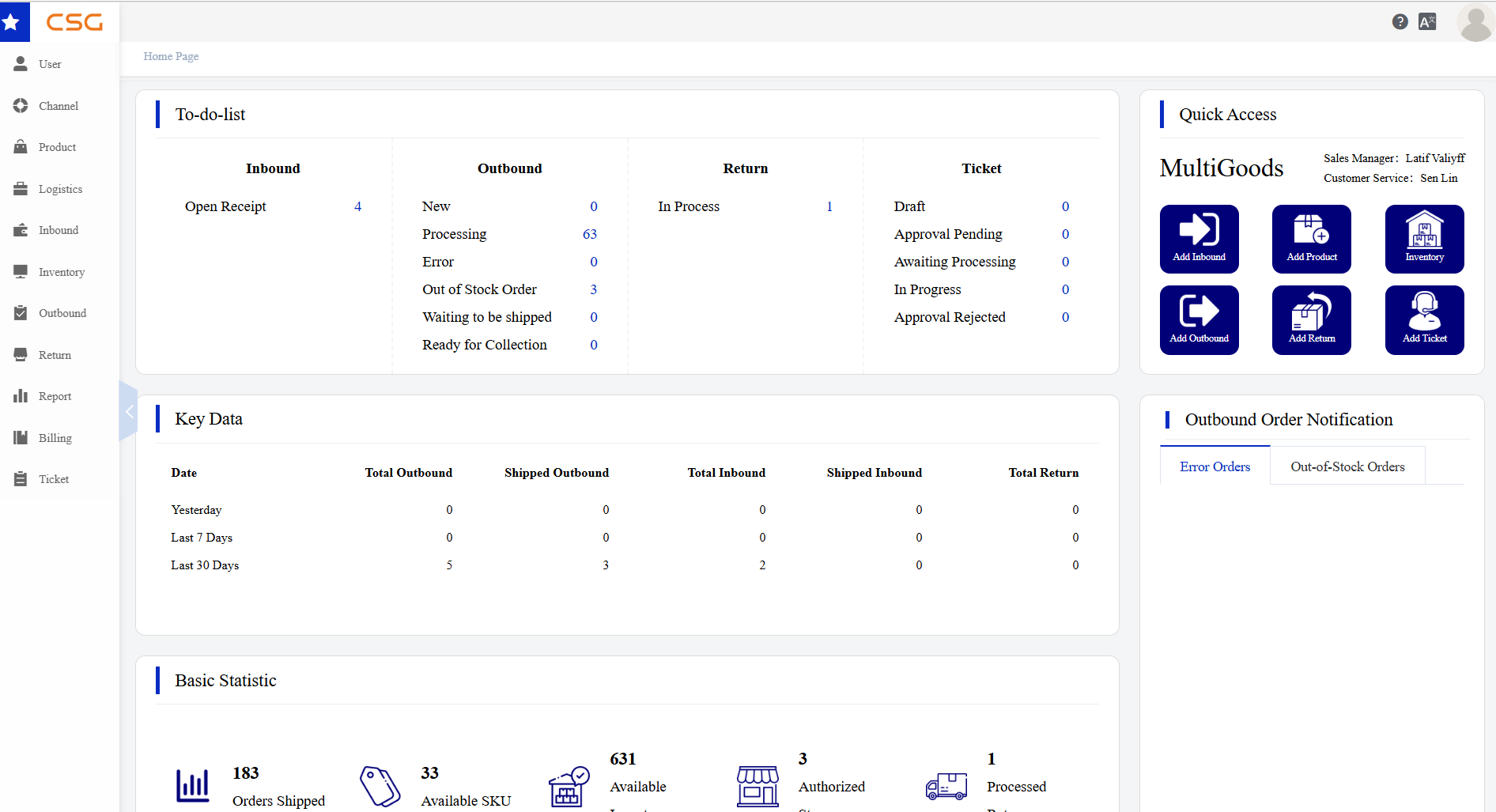
Figure 1. Purpose screen from the CSG ERP User Manual.
1.2 Target Users
This manual is intended for CSG customers who use the portal to manage their 3PL operations.
Typical users include:
Online store owners
E-commerce operation staff
Customer service staff
Inventory or stock management staff
Order fulfilment coordinators
Company administrators who manage user accounts and access permissions
1.3 System Requirements
| Item | Requirement |
|---|---|
| Browser | Any modern web browser |
| Internet | Stable internet connection |
| Device | Desktop, laptop, tablet or mobile device |
Source
CSG ERP User Manual, section 1, "Introduction".