2. Login
This section explains how an authorized customer user signs in to the CSG Customer Portal and begins a portal session.
2.1 Access System
Users can access the CSG Customer Portal through the following URL:
https://3pl.wooper.com
The portal can be opened using a desktop browser, laptop browser, tablet browser, or mobile phone browser.
2.2 Login Steps
Step 1: Open the CSG Customer Portal login page.
Step 2: Enter your registered username and password.
Step 3: Click the Login button to access the portal.
Step 4: After successful login, the system will redirect you to the Dashboard page.
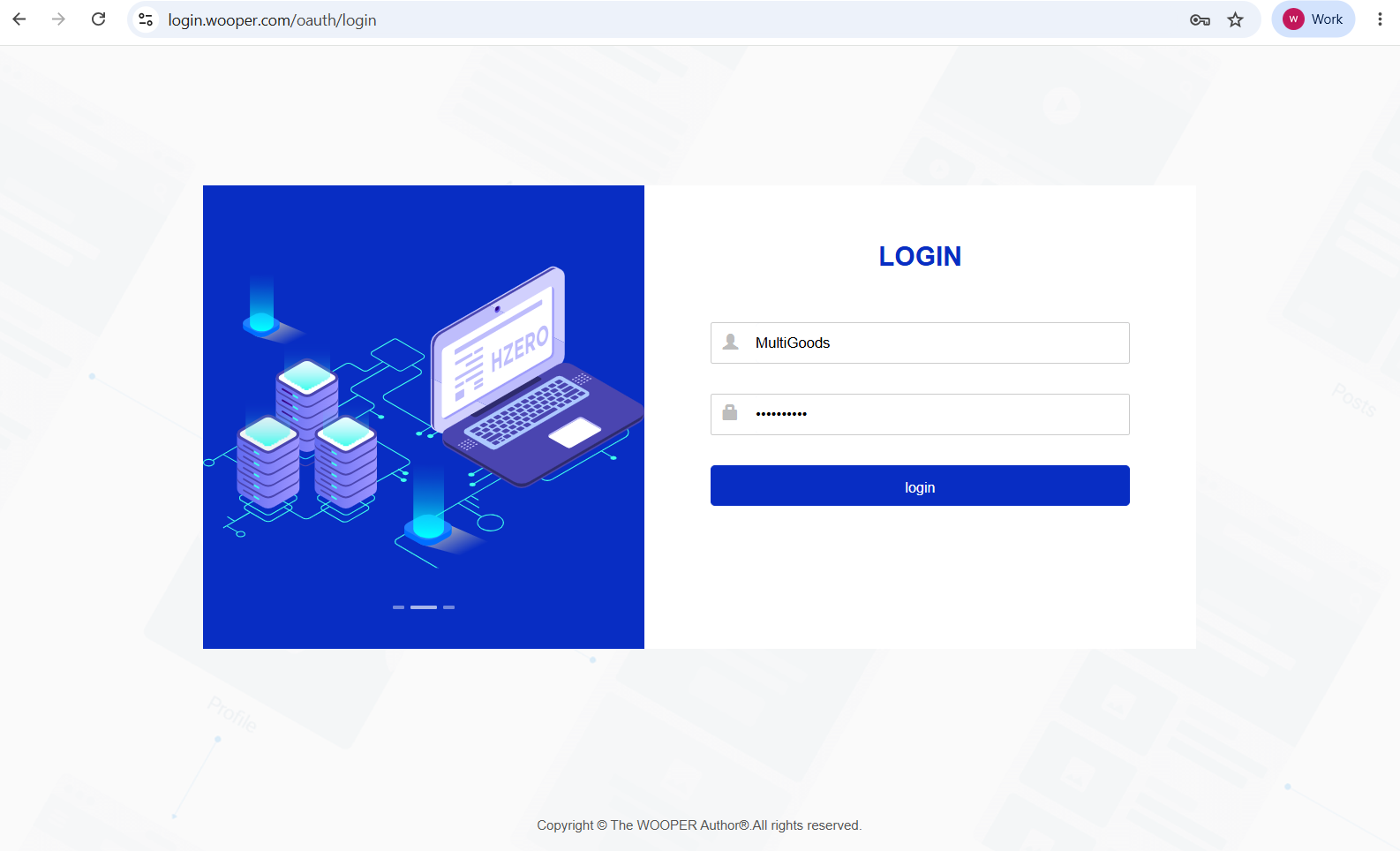
Figure 1. Login Steps screen from the CSG ERP User Manual.
2.3 Notes
The username and password will be provided by CSG or your company administrator.
Passwords are case-sensitive.
Please ensure the username and password are entered correctly.
If you forget your password or cannot log in, please contact CSG support.
Source
CSG ERP User Manual, section 2, "Login".