14. Billing & Invoice
Billing and Invoice provides access to billing information, invoices, and related financial records made available through the Customer Portal.
14.1 Overview
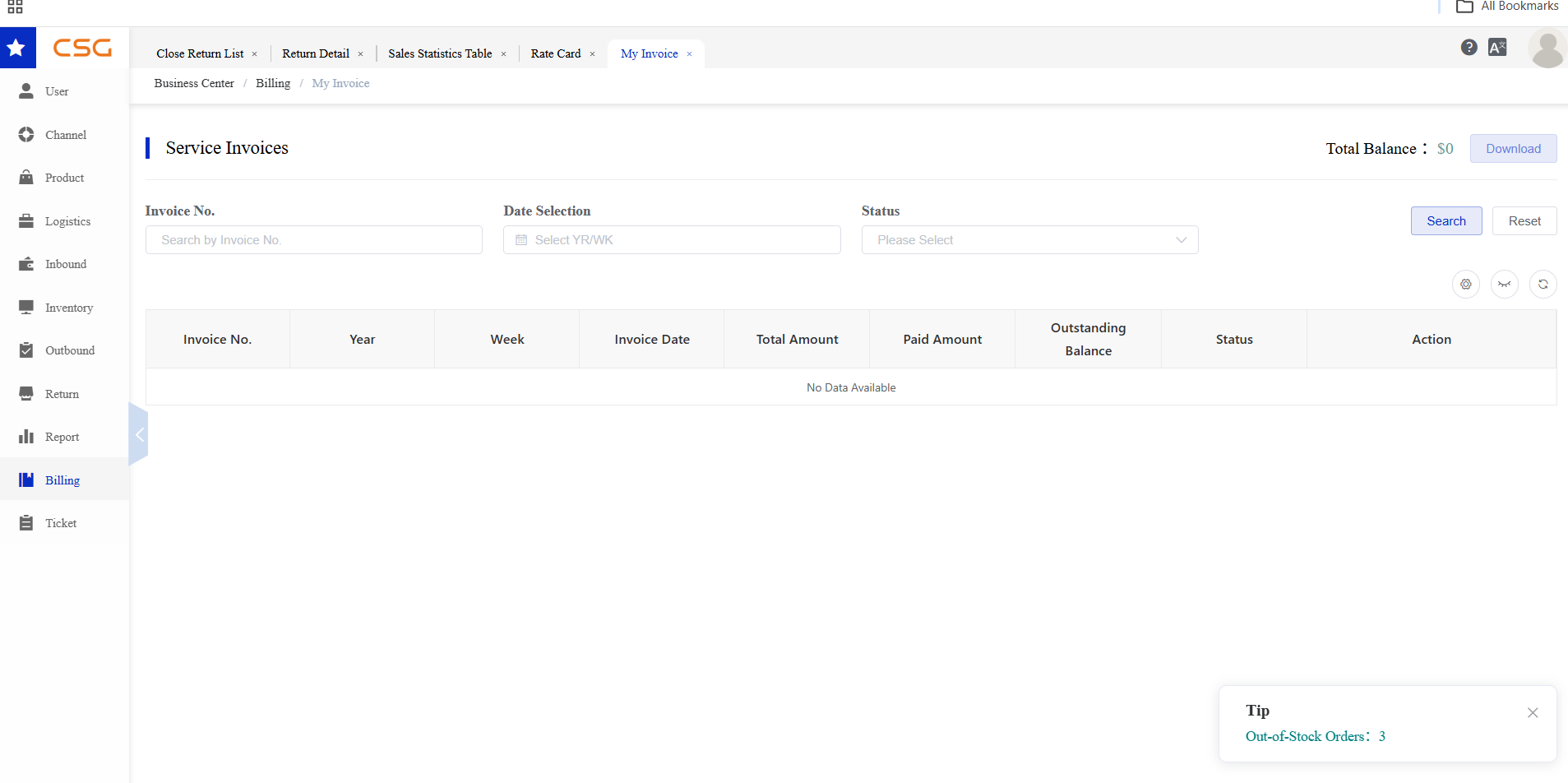
Figure 1. Overview screen from the CSG ERP User Manual.
The Billing & Invoice module allows users to view service invoices generated by the system, monitor outstanding balances, and download available invoices.
Users can search invoices by invoice number, billing period, or status to quickly locate specific billing records.
14.2 Rate Card
Overview
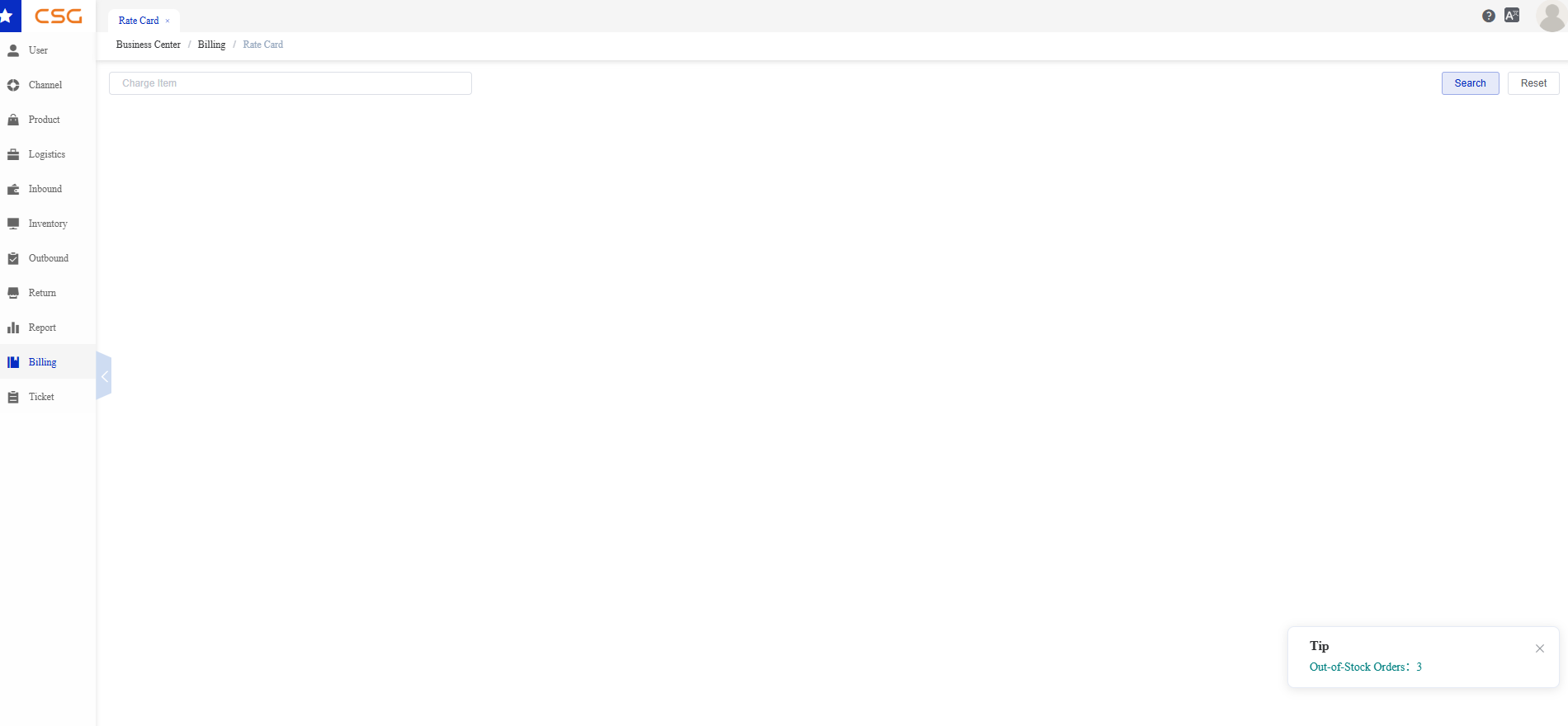
Figure 2. Rate Card screen from the CSG ERP User Manual.
Navigation
Billing → Rate Card
The Rate Card page allows users to search and review the service charge items available to the current account.
Rate Card information may include fees related to warehousing, handling, order processing, transportation, or other services, depending on the customer’s billing configuration.
Search
Users can search for a specific charge item.
| Field | Description |
|---|---|
| Charge Item | Enter the name or keyword of the required billing charge item. |
Steps
Navigate to Billing → Rate Card.
Enter the charge item name or keyword.
Click Search.
Review the matching rate-card records.
Click Reset to clear the search condition.
Available Functions
| Function | Description |
|---|---|
| Search | Displays rate-card records matching the entered Charge Item. |
| Reset | Clears the current search condition. |
14.3 My Invoice
Overview
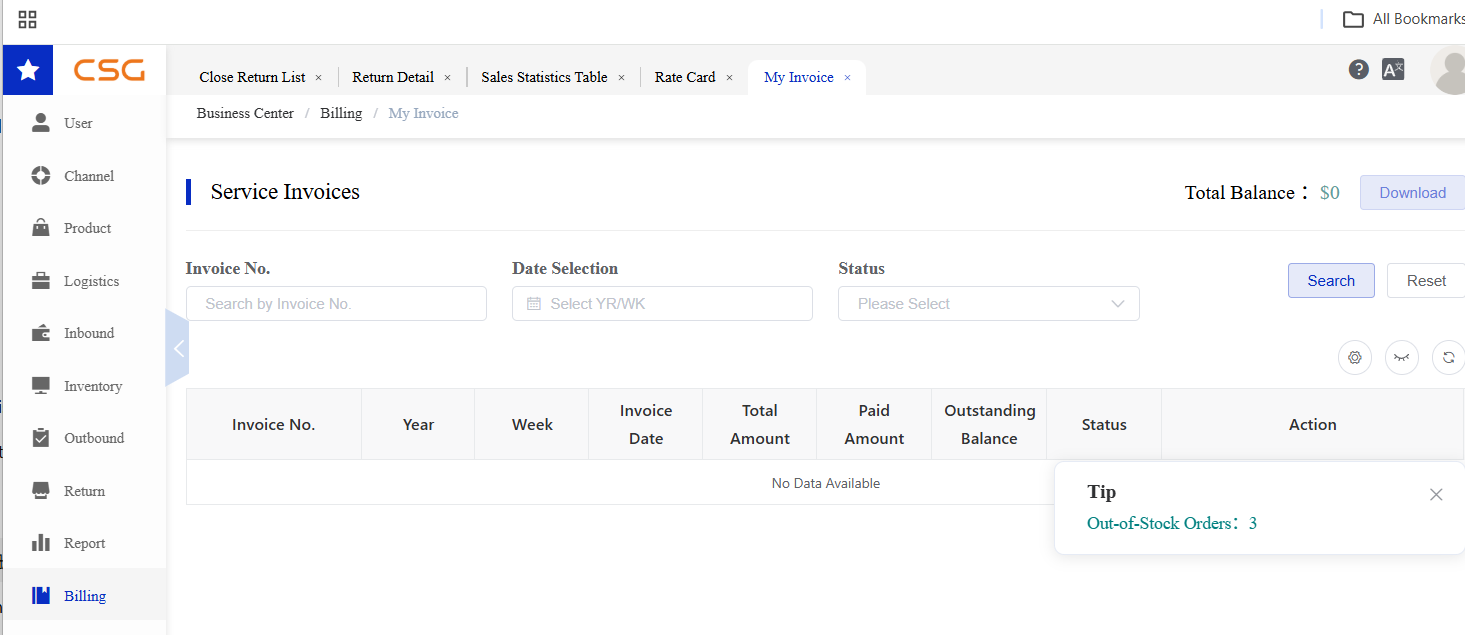
Figure 3. My Invoice screen from the CSG ERP User Manual.
The My Invoice page displays all available service invoices associated with the current account.
Users can search invoice records using the available filters and review invoice details, payment status, and outstanding balances.
Available Functions
| Function | Description |
|---|---|
| Search | Search invoices using the specified filter conditions. |
| Reset | Clear all search criteria. |
| Download | Download available invoice documents. |
Search Filters
Users can filter invoice records using the following fields:
| Field | Description |
|---|---|
| Invoice No. | Search by invoice number. |
| Date Selection | Select the billing period (Year/Week). |
| Status | Filter invoices by payment status. |
Invoice Information
Each invoice record displays the following information:
| Field | Description |
|---|---|
| Invoice No. | Invoice reference number. |
| Year | Billing year. |
| Week | Billing week. |
| Invoice Date | Date the invoice was issued. |
| Total Amount | Total invoice amount. |
| Paid Amount | Amount that has been paid. |
| Outstanding Balance | Remaining unpaid amount. |
| Status | Current invoice status. |
Notes
The Total Balance displayed at the top of the page represents the total outstanding balance for the current account.
Only invoices available to the current account are displayed.
If no records match the search criteria, the system displays No Data Available.
Invoice download is available only for invoices with downloadable documents.
Source
CSG ERP User Manual, section 14, "Billing & Invoice".